Maya MotionBuilder动作动画视频教程 角色动作捕捉特效制作教学 附源文件
 红框眼镜的少女
2019-7-4 10:49
浏览量:3901
回复量:11
红框眼镜的少女
2019-7-4 10:49
浏览量:3901
回复量:11
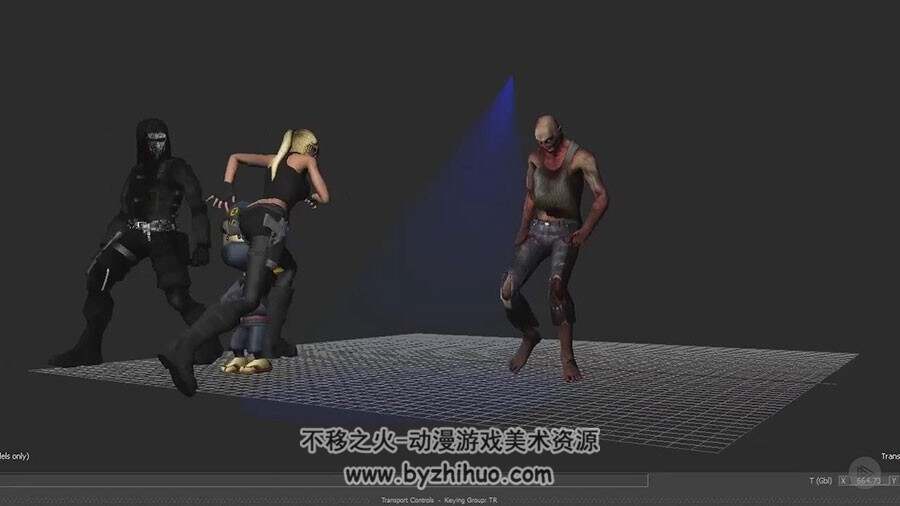
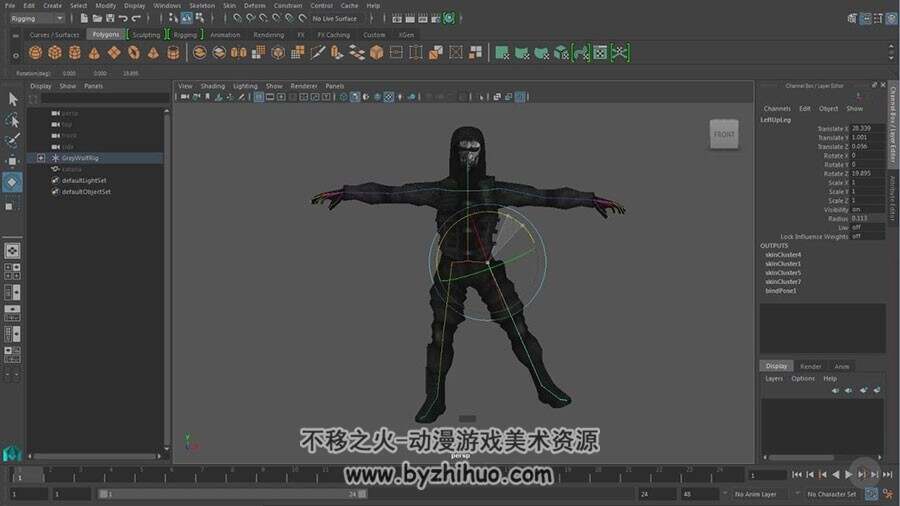
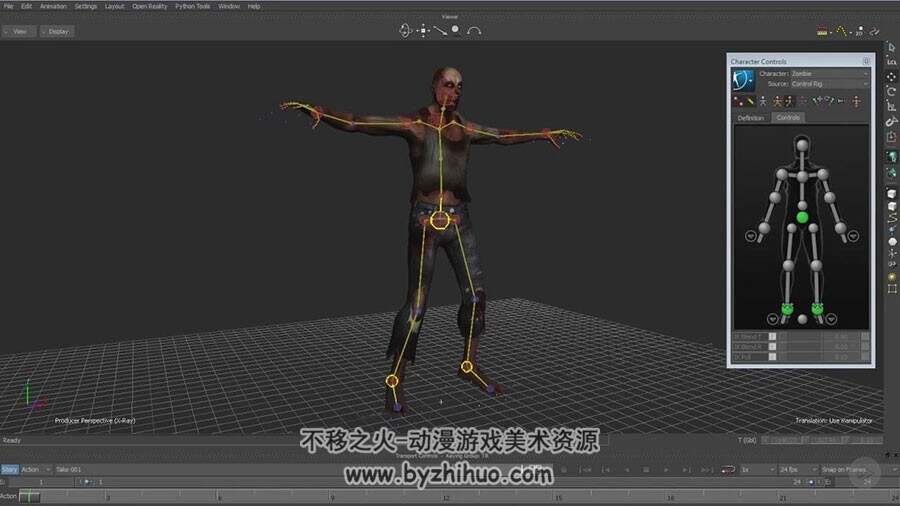
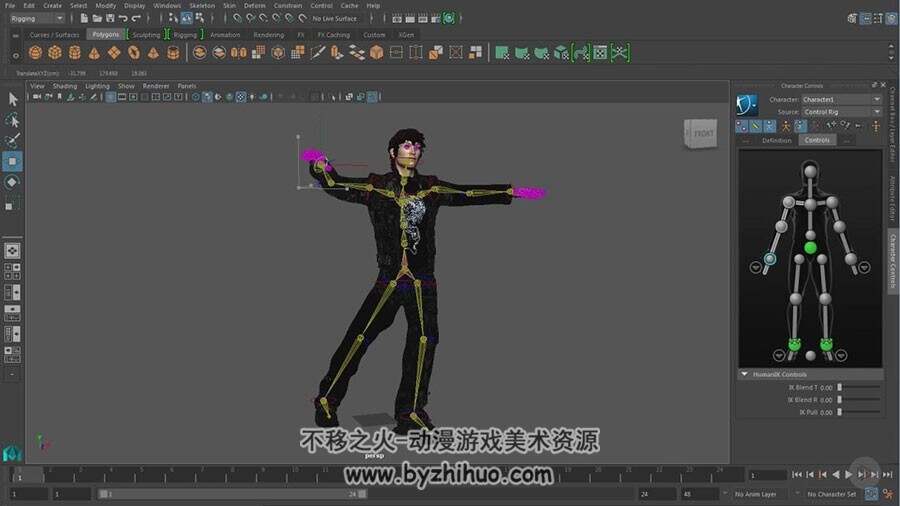
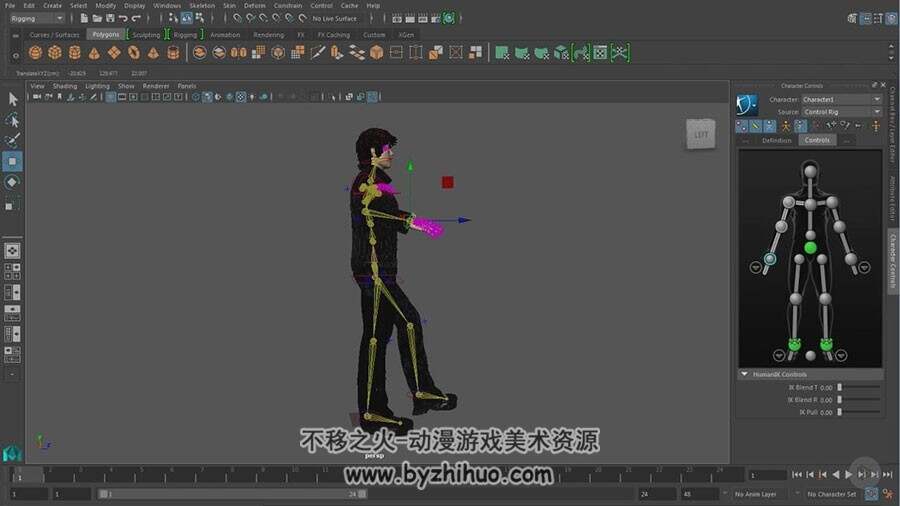
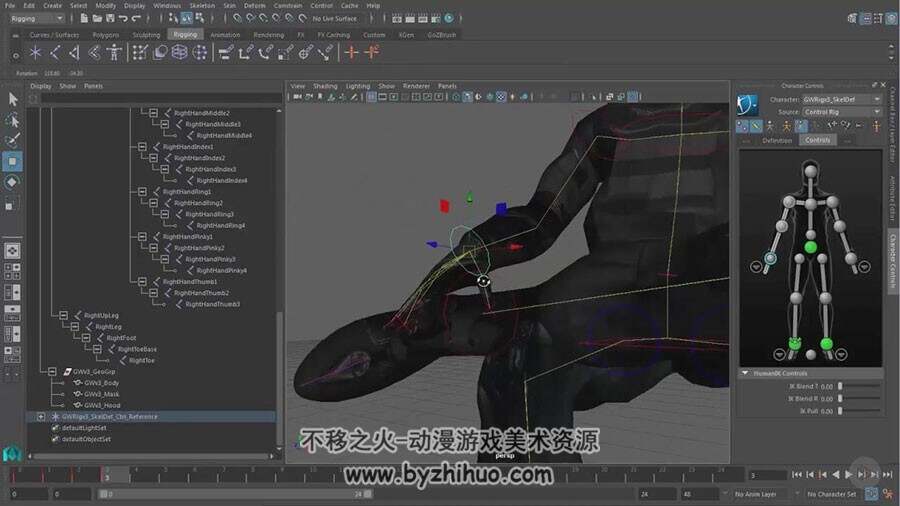
Autodesk’s HumanIK control makes rigging characters for motion capture easier. This course will teach you how to set up a character, put it through a range of motion, and refine polygon deformations.
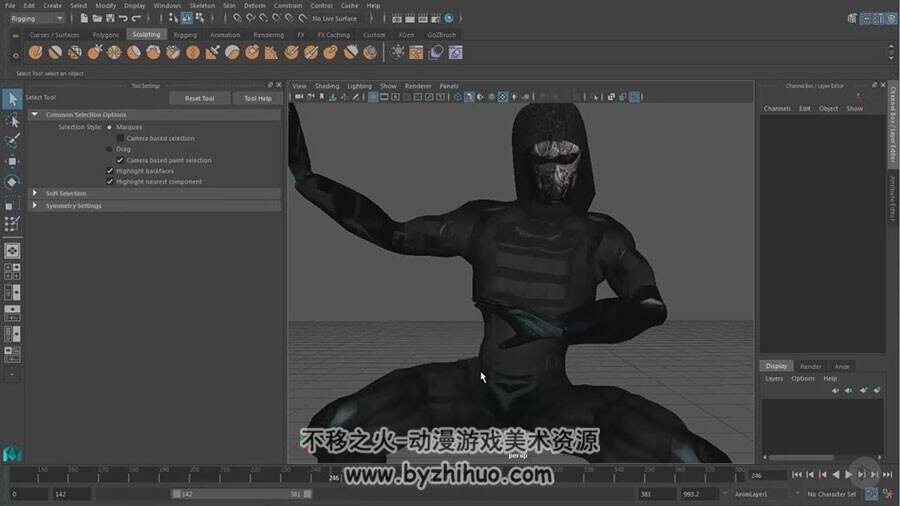
Setting up characters is complex and subjective, and often unique to the particular character. Character rigging is one of the least understood areas of animation, even for expert Maya artists. Getting good character rigging results takes practice and commitment. In this course, Rigging Human IK Characters for Mocap in Maya and Motion Builder 2016, you will be using both Maya and MotionBuilder 2016 to rig a human character using HumanIK controls. After discovering how to complete the initial rigging, you will learn how to apply motion capture data, and you’ll also learn how to begin testing and refining the character’s rigging and weight mapping. After viewing this course, you will have a solid understanding of rigging using Autodesk HumanIK controls, and you will be able to apply motion capture data easily to your own rigged characters. Software required: Maya 2016, MotionBuilder2016.